Students in JOUR 5280 will have access to professional camcorders and accessories from the FESR. This includes:
- Canon XA50 UHD camcorders with dual XLR audio inputs
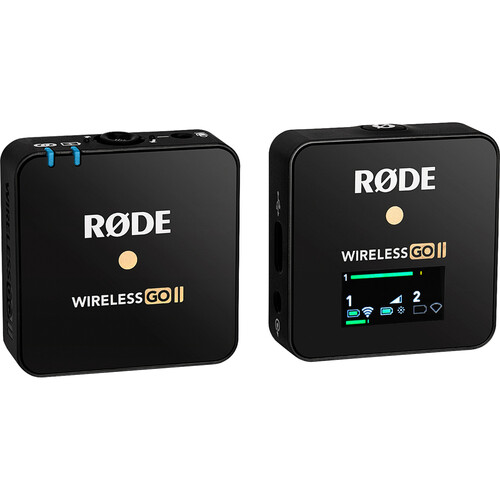
- RØDE Wireless Go – wireless mic
- Manfrotto tripods
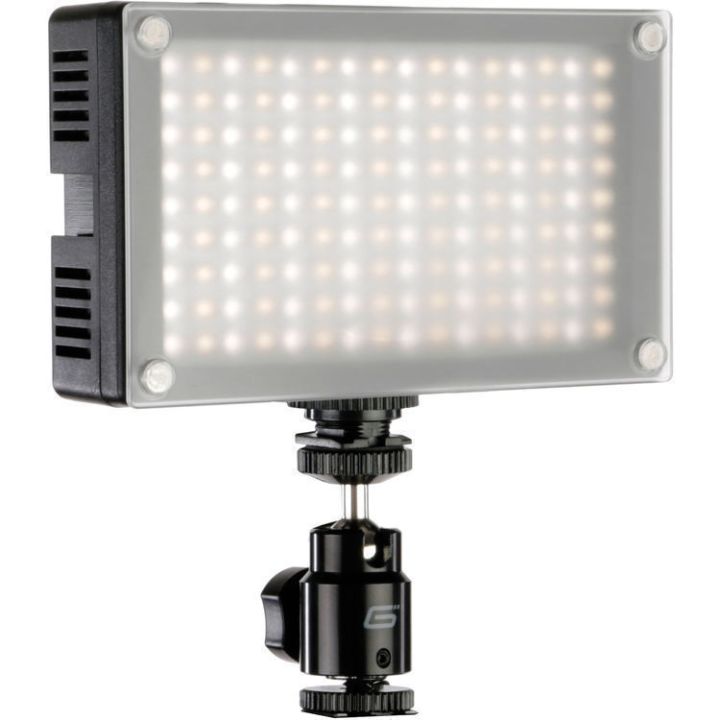
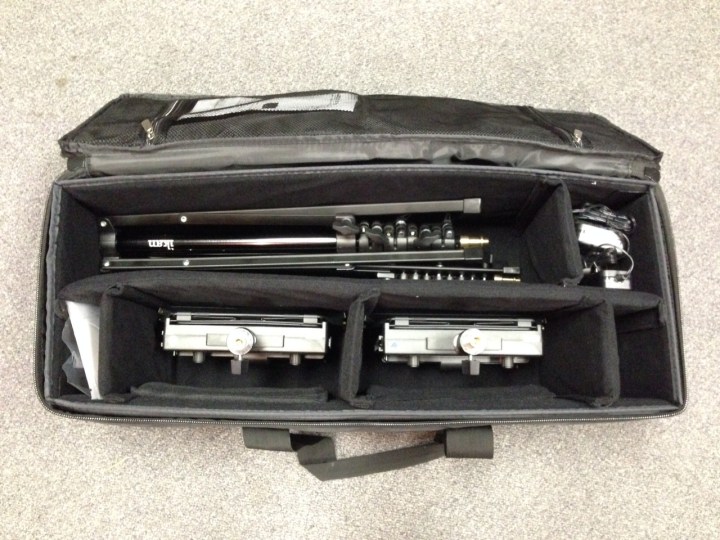
- LED light kits and small LED lights for mounting on camera
If you still have your camera from JOUR 3280, you can use it as an auxillary camera for multicamera shoots. The key is to choose the right tools to tell the story. The Canon pro camcorders are more rugged than DSLRs and better suited for shooting news and sports, especially fast-moving events in busy locations. They have built-in zoom lenses, a shotgun mic for natural sound, accessible manual controls and an electronic viewfinder.
You will need to provide your own SDHC memory cards. Make sure you buy class 10 cards with a read speed of at least 45 MB/s. You should also get a card reader/hub that you can connect to your laptop to import footage from SDHC cards to laptop.
And you will need your own laptop for video editing. In fact, it would be good to update your laptop if you had trouble running Adobe Premiere Pro in JOUR 3280. Here’s important information about laptop specifications:
- Laptop – with Adobe Creative Cloud software, which includes Adobe Premiere Pro for video editing. Here’s a link to Adobe’s student pricing page:
- VERY IMPORTANT to get a laptop with at least the minimum required components for Adobe CC video apps.
- Minimum laptop requirements
- RAM – 8GB minimum, 16GB is recommended
- CPU – Intel 6th generation or newer, or Apple Silicon (M1, M2)
- GPU -2 GB of GPU VRAM
- Operating System – Mac OS 11 (Big Sur) or higher. Windows 11, 10 (64-bit) V20H2 or later
- Display Resolution – 1920 x 1080 minimum
- Recommended Graphics Cards – listed here
In order to check out the professional gear, you MUST read this: Field Equipment Supply Room (FESR) policies. You must also sign a Statement of Responsibility. Download the form, type the information, print the form, sign the form and return to your instructor.
In addition to the FESR equipment policies, here are a few other rules to follow when using Grady College equipment:
ALWAYS
- Send the FESR your equipment request in advance, so the staff can prepare a kit for you with fully charged batteries.
- Show up on time to pick up your gear.
- Inspect equipment before leaving the FESR area to go on a shoot.
- Inspect equipment before returning it to the FESR.
- Return your gear on time! Another student might be waiting to use it next.
NEVER
- Leave equipment unattended.
- Leave the FESR without inspecting equipment after check-out
FESR equipment for JOUR 5280/7280


 Video Journalism